
How a computer and a network work
Blue TeamA first course for new computer users. Read a memory measurement, find a document by its path, assemble a folder in the terminal and explain how a computer finds a printer or website. All five lessons are open.
What you will produce
- A computer inventory with measured values and units
- A folder tree with two document versions and a shell transcript
- A device table and diagrams of the path to a printer and a website
Prerequisites
No previous cybersecurity experience is required.
Academy practice labs
Browse all labsThe labs are in Russian. To open the exercise files, sign in with an account assigned to the corresponding corporate programme.
Course modules
5 modules · 5 hours01What is inside a computerFree
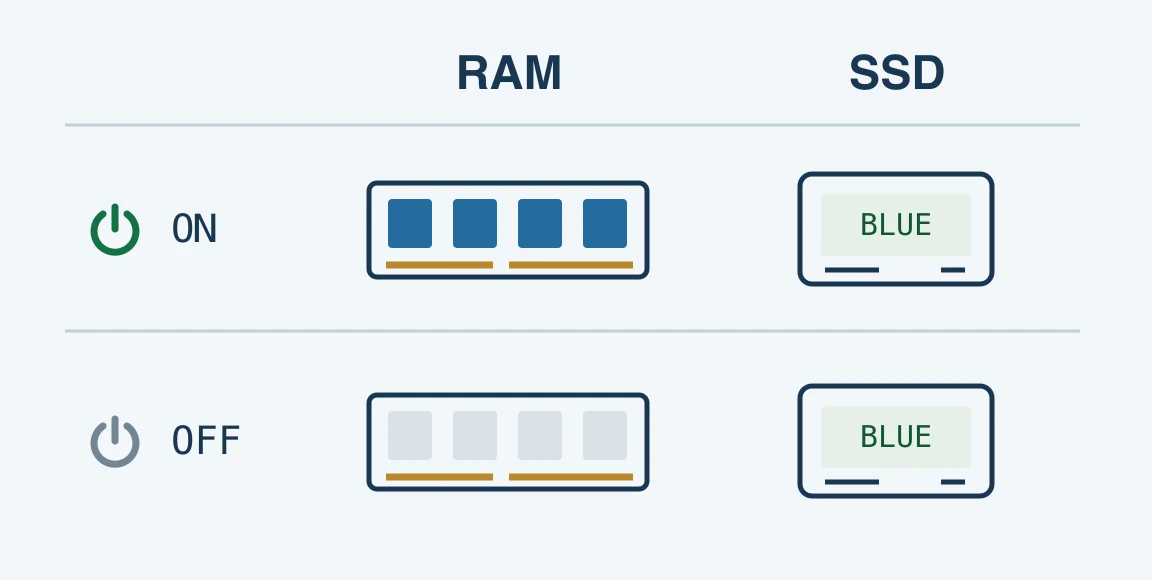
Processor, RAM and storage and Bits and bytes.
Processor, RAM and storageBits and bytesTheoryKnowledge checks45–60 minutesOpen module02Finding a file, a process and its permissionsFree
Paths and independent copies and User permissions.
Paths and independent copiesUser permissionsTheoryKnowledge checks45–60 minutesOpen module03Your first folder in the terminalFree
PowerShell and the macOS/Linux shell and Navigation and verification.
PowerShell and the macOS/Linux shellNavigation and verificationTheoryKnowledge checks45–60 minutesOpen module04How devices find each other on EthernetFree
Frames and MAC addresses and Switches and ARP.
Frames and MAC addressesSwitches and ARPTheoryKnowledge checks45–60 minutesOpen module05IPv4, the gateway and a first DNS lookupFree
Subnet and next hop and Names, addresses and reachability.
Subnet and next hopNames, addresses and reachabilityTheoryKnowledge checks45–60 minutesOpen module
Sources and documentation
All foundations are open. Learn without an account and sign in to save results.
About this course
A first course for new computer users. Read a memory measurement, find a document by its path, assemble a folder in the terminal and explain how a computer finds a printer or website. All five lessons are open.
What you will learn
- Distinguish a processor, working memory and persistent storage
- Check a file path, an independent copy and user permissions
- Read and verify commands in a personal practice folder
- Distinguish a MAC address, IPv4 address, gateway and DNS name
Who this course is for
For anyone looking to build skills in this field and apply them at work. Explore the first module to see the level and learning format.
How you will learn
Work through the modules: study a case, complete the exercise, check your understanding and save your progress. The first module is open without an account.